With these free makers you design your own 3D model in a few clicks and download the STL file straight away. Everything runs in your browser: you don’t need an account, and your photos and passwords stay on your own device.
Try it now: a keychain with your name
This shape has no room for text. You get the decoration instead.
Draw something in the area or upload an image.
Or pick another maker


What does printing cost?
Most models cost only a few cents in filament. Every maker shows the weight and the filament cost, and with one click you can add electricity and wear in the calculator.
How it works
- Choose a maker and enter your text or pick a photo or shape.
- Check the preview: you instantly see how big the model will be, how much filament it uses and roughly what that costs.
- Download the STL and open it in your slicer, such as Bambu Studio, OrcaSlicer, PrusaSlicer or Cura.
- Print: most models are done within an hour and cost only a few cents in filament.
You don’t need any design software or 3D modelling experience. Everything is calculated in your own browser; nothing is sent to a server, except an anonymous count of the number of downloads.
Which filament should you use?
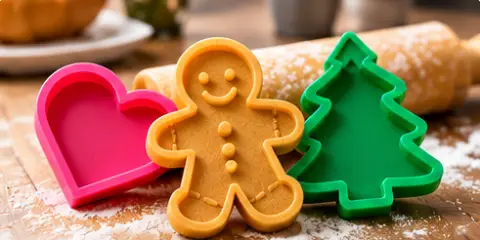
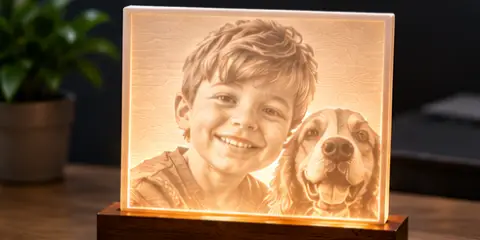
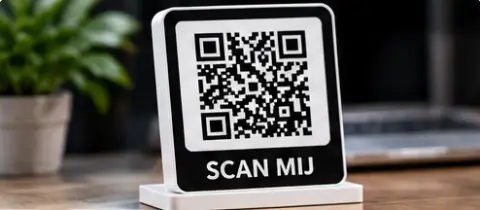
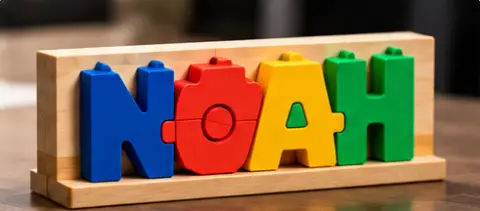
For keychains, cake toppers, name puzzles and QR code signs, ordinary PLA is fine. Print a lithophane in white PLA so the light shines through nicely. You can print cookie cutters in PLA too; if you want to use and wash them more often, choose PETG. Read more in PLA vs PETG.
Frequently asked questions
Does it work on my phone?
Yes. You can design on your phone and download the STL. On a computer it is easier to open the file in your slicer afterwards, though.
Can I print two colours without an AMS?
Yes. With the keychain and the cake topper, you can see at which height the second colour starts. In your slicer, add a pause or filament change at that layer, swap the filament and continue printing. With the name puzzle, you print the board and the letters separately, each in its own colour.
Can I sell what I print?
You can freely use the models you make here, including selling them at a market or on Marktplaats (the Dutch eBay), for example. Just make sure you don’t use other people’s brand names, logos or well-known characters. Also read selling 3D prints and work out your price with the calculator.
Which printer do I need?
Any ordinary FDM printer with a print bed of about 18 × 18 cm or larger will do, such as a Bambu Lab A1 mini. Still not sure? Take a look at the best 3D printer for beginners.